
Delete a Member Export
To delete a Member Export:
-
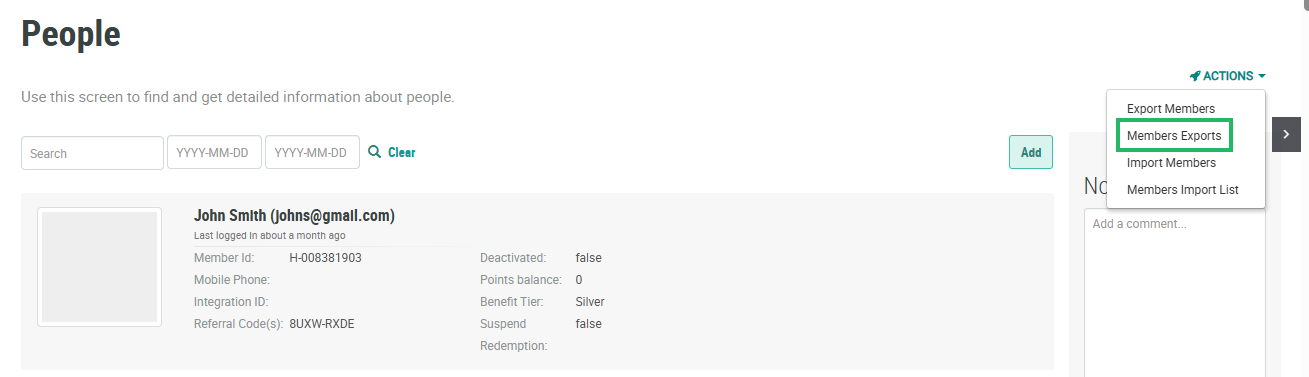
Select Members from the top navigation bar, then select CSR > People from the side navigation menu. The People screen is displayed.
-
From the Actions drop-down menu, select Members Exports. The Members Export Definitions pop-up window is displayed and populated with a list of all existing Member Exports.
-
From the Action column of the desired export, click the Delete icon. A confirmation dialog box is displayed; click Confirm.
